
Checkout
MLF Live Featured ! Hot ! New !
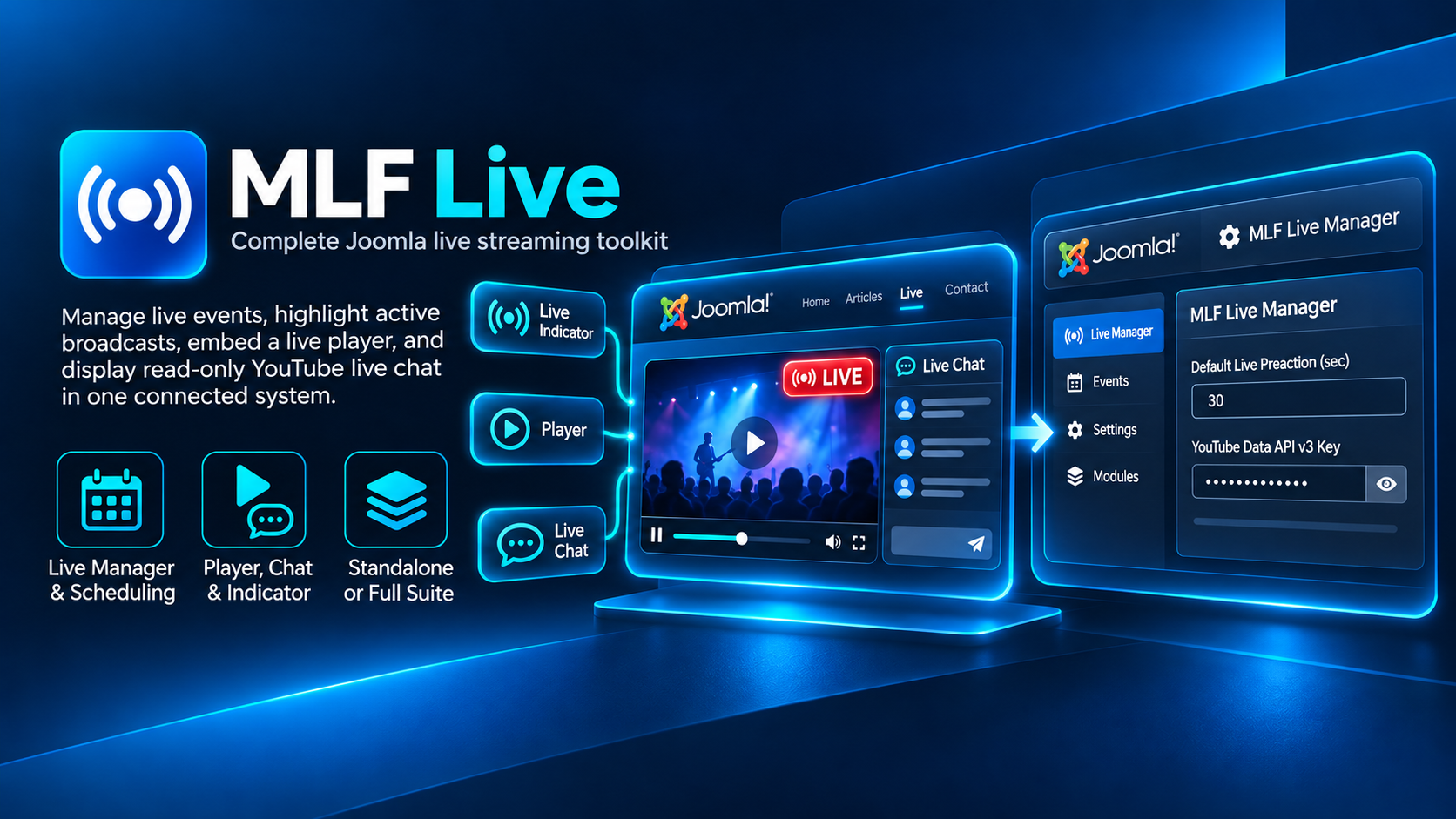
A complete Joomla live streaming toolkit with live event management, status indication, player integration and read-only YouTube Live Chat.
A complete live streaming toolkit for Joomla
MLF Live is a complete Joomla live streaming toolkit designed to manage live events, highlight active broadcasts, display live video and show read-only YouTube Live Chat in one connected system.
The package combines a central Live Manager component with dedicated frontend modules, giving you a flexible way to build live streaming experiences directly inside Joomla.
Included in MLF Live
- MLF Live Manager – central management for live sessions and configuration
- MLF Live Indicator – displays a clear LIVE status when a broadcast is active
- MLF Live Player – embeds the configured live stream on your Joomla website
- MLF Live Chat – displays read-only YouTube Live Chat alongside your live content
Live Manager & scheduling
The MLF Live Manager provides a central place to manage the information used by the connected live modules.
Depending on your setup, you can manage:
- Live stream URL or YouTube video information
- Scheduled live start and end times
- Preactivation before the scheduled start
- Published status
- Access levels
- Live session configuration used by the frontend modules
Automatic LIVE indication
The included MLF Live Indicator can automatically show visitors when your live event is active.
Use scheduling and preactivation settings to prepare broadcasts in advance, or use manual control when you need a simple live status switch.
Integrated live player
MLF Live Player allows the configured live stream to be displayed directly inside your Joomla layout.
Because the player is provided as a Joomla module, it can be placed in compatible template positions or page builder layouts wherever your live content should appear.
Read-only YouTube Live Chat
The included Live Chat module can display YouTube Live Chat messages alongside your broadcast using the YouTube Data API v3.
The current implementation is designed for read-only chat display and does not require visitors to post messages through your Joomla website.
Flexible Joomla module architecture
The frontend parts of MLF Live are standard Joomla modules, so you can place them independently according to your website layout.
For example, the LIVE indicator can appear in your header while the player and chat are displayed together on a dedicated live page.
Use the modules together or independently
MLF Live is designed as a connected toolkit, but its module-based architecture gives you flexibility in how the live experience is presented.
The standalone MLF Live Indicator is also available separately for websites that only need a simple LIVE status module.
Ideal for
- YouTube Live broadcasts
- Online classes and training sessions
- Webinars
- Community live streams
- Membership websites
- Joomla websites that need an integrated live streaming area
Version Information
Developer: MYLIFEFACTORY
Extension type: Joomla Component + Modules
Includes: Live Manager, Live Indicator, Live Player and Live Chat
Installation & Setup
1. Install the MLF Live package
Log in to your Joomla Administrator and open:
System → Install → Extensions
Upload the MLF Live installer package and complete the standard Joomla installation process.
2. Open MLF Live Manager
After installation, open the MLF Live Manager component in the Joomla Administrator.
Configure the live event or stream information that should be used by the connected frontend modules.
3. Configure scheduling and preactivation
Set the scheduled live period and configure the preactivation time if you want the live experience to become active shortly before the planned broadcast begins.
You can also use manual control where automatic scheduling is not required.
4. Configure the YouTube API key
If you plan to use the included read-only Live Chat module, enter a valid YouTube Data API v3 key in the MLF Live Manager options.
The API key is used server-side by the Live Chat integration and should be configured according to your Google Cloud / YouTube Data API setup.
5. Publish the frontend modules
Open Joomla's Site Modules manager and configure the modules included with MLF Live:
- MLF Live Indicator
- MLF Live Player
- MLF Live Chat
Assign each module to the appropriate template position or compatible page builder location and publish it on the required pages.
6. Configure access
Use Joomla access levels and module assignments to control which visitors can see your live content.
This is especially useful for membership websites, private broadcasts or subscriber-only live areas.
7. Test before your first live event
Before running a real broadcast, test the complete workflow including inactive and active states.
Verify that:
- The Live Indicator activates correctly
- The player displays the intended stream
- The Live Chat loads correctly if enabled
- Scheduling and preactivation work as expected
- Your Joomla access and module assignments are correct
YouTube API requirement
The YouTube Data API v3 key is only required for functionality that communicates with the YouTube Data API, such as the included read-only Live Chat module. A Google/YouTube API key is not included with MLF Live.